Smartphone care guide

Mobile Phone Care Tips from Certified Repair Experts

Simple, practical habits to keep your smartphone safer for longer, avoid costly damage, and know when it is time to visit Mobile Fix Workshop for professional repair.

Serving customers across Australia with expert diagnostics, screen and battery replacement, water damage recovery, and more.

Quick protection checklist

  • Use tempered glass and a shock-absorbing case
  • Keep battery between roughly 20% and 80%
  • Avoid water, steam, and extreme heat
  • Clean with a soft, lint-free cloth only
  • Back up photos and free up storage regularly
See how our repair process works

Essential everyday phone care

These small habits can significantly reduce the chance of cracked screens, battery failures, and data loss. Use them as a checklist for you, your family, or your team.

Screen protection

Essential Screen Care

Reduce the risk of cracks and scratches with basic daily precautions.

  • Fit a high-quality tempered glass screen protector to absorb impact from drops and protect against scratches.
  • Use a shock-absorbing case with raised edges around the screen and camera to cushion corners during falls.
  • Avoid putting your phone in the same pocket or bag section as keys, coins, or sharp objects that can scratch the glass and frame.
  • Place your phone face-up on hard surfaces and avoid sliding it across tables or benches.
  • If your screen protector cracks, replace it promptly so that the exposed glass is not left vulnerable.
Already cracked?

If your display is chipped, lines appear, or touch is unreliable, book a professional screen replacement to prevent further internal damage.
Battery health

Battery Health Tips

Good charging habits can extend your battery life by months or even years.

  • Whenever possible, keep your battery between roughly 20% and 80% rather than full cycles from 0% to 100%.
  • Avoid exposing your phone to very hot or very cold environments, such as leaving it in a hot car or in direct sunlight.
  • Unplug chargers once your phone reaches 100% instead of leaving it at full charge for hours.
  • Use power-saving modes when your battery is low instead of running it to 0% frequently.
  • If your battery drains unusually fast, feels swollen, or your phone turns off unexpectedly, it may be time for a professional battery replacement.
Swollen battery warning

A bulging case or screen lifting from the frame can indicate a swollen battery. Stop using the device and arrange a battery inspection as soon as possible.

Water damage

Preventing Water Damage

Moisture is one of the fastest ways to permanently damage a phone.

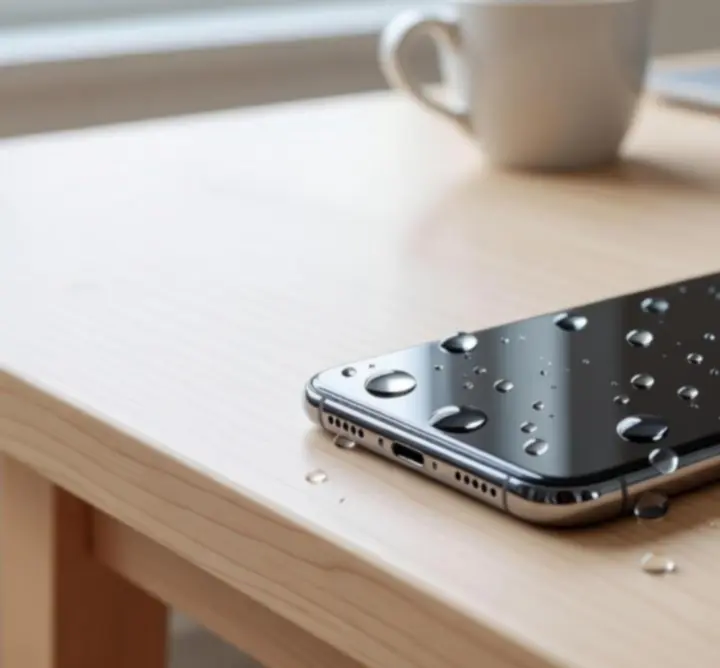
Smartphone affected by water damage on a wet surface
  • Keep your phone away from showers, baths, pools, and kitchen sinks, even if it is marketed as water resistant.
  • Avoid using your phone in steamy bathrooms; moisture can still enter through speaker grills and ports.
  • Do not place your phone on damp towels, benches, or drink coasters where liquid can wick inside.
  • Use a waterproof pouch when using your phone near the ocean, pools, or on boats.
If your phone gets wet

Switch it off immediately, do not charge it, and avoid using hairdryers or heat. Keep it upright and book a professional water damage assessment as soon as possible.

Cleaning

Safe Cleaning Practices

Clean safely to avoid damaging coatings, ports, or internal components.

  • Use a soft, lint-free microfibre cloth to wipe the screen and phone body in gentle, circular motions.
  • If necessary, lightly dampen a corner of the cloth with a small amount of water or screen-safe cleaner, then dry immediately with the dry section.
  • Avoid household cleaners such as window spray, bleach, ammonia, or abrasive powders that can strip coatings and damage seals.
  • Never spray liquid directly onto your phone. Apply it to the cloth instead.
  • Be especially careful around speaker grills and ports to prevent moisture entering the device.

Charging, ports, and performance

Modern smartphones are powerful but sensitive. These tips help you maintain reliable charging, fast performance, and dependable storage.

Charging

Smart Charging Habits

Protect your battery and charging circuitry with safe practices.

  • Use original or manufacturer-approved chargers and cables that meet safety standards.
  • Avoid frequent overnight charging; instead, top up during the day and unplug when near full.
  • Try not to let your battery reach 0% regularly, as deep discharges put additional stress on lithium cells.
  • Do not cover your phone with blankets or cushions while charging, as trapped heat accelerates wear.
  • If your phone or charger becomes unusually hot, unplug it and have it checked by a professional.
Ports & connectors

Keeping Ports Debris-Free

Lint and dust buildup is a common cause of unreliable charging.

  • Inspect your charging and headphone ports regularly, especially if cables feel loose or charging is intermittent.
  • Turn the device off before cleaning ports to avoid short circuits.
  • Use a wooden toothpick or soft, anti-static brush to gently lift out lint and dust. Do not apply force.
  • Avoid metal pins, paper clips, or needles, which can scratch contacts or pierce seals.
  • If debris is compacted or corrosion is visible, arrange a professional port clean or replacement.
Software

App and OS Updates

Stay secure and smooth by keeping software current.

  • Regularly install operating system updates released by your device manufacturer for security patches and bug fixes.
  • Enable automatic app updates on Wi‑Fi so that critical security updates are not missed.
  • Review app permissions and uninstall apps you no longer use to reduce background activity.
  • Restart your phone every week or two to clear temporary files and refresh the system.
  • If updates continually fail or cause persistent issues, our team can assist with software troubleshooting.
Storage

Managing Storage Space

Keep your device responsive and ready for critical updates.

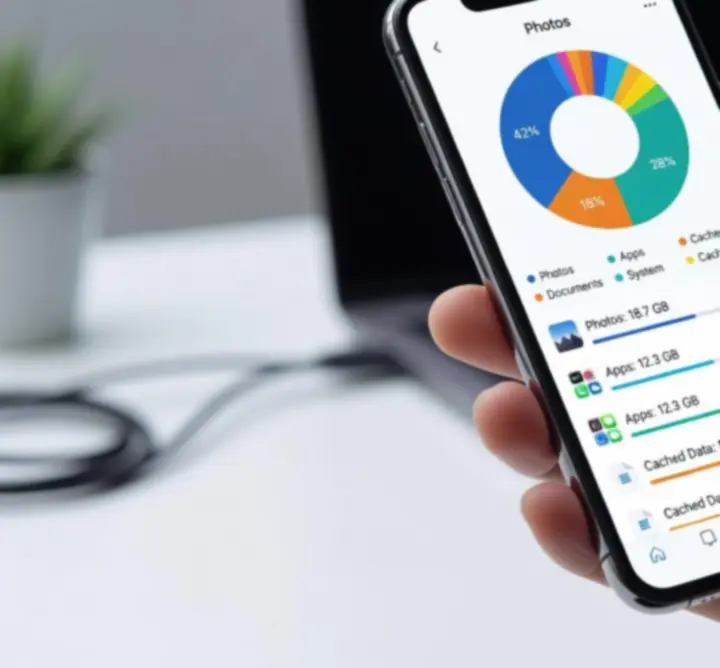
Person managing storage on a smartphone with files and photos
  • Aim to keep at least 15–20% of your storage free so the system can operate smoothly.
  • Delete unused apps, especially large games or old work tools you no longer need.
  • Clear app cache for browsers, messaging, and social apps that store large temporary files.
  • Transfer photos and videos to cloud storage or an external backup and remove duplicates from your device.
  • If you receive frequent “storage full” warnings even after clearing space, it may indicate deeper software issues that warrant a professional check.

Security, transport, and early warning signs

Protect your data, keep your device physically safe, and recognise when to get help before problems become severe.

Security

Physical Security

Secure your phone and your data in case it is lost or stolen.

  • Use a secure lock screen such as a PIN, complex pattern, fingerprint, or facial recognition.
  • Enable built-in device-finding features (such as Find My iPhone or Find My Device) and ensure location services are configured.
  • Turn on automatic cloud backups so photos, contacts, and documents can be recovered even if the phone cannot.
  • Avoid leaving your device unattended on café tables, public transport seats, or visible in parked cars.
  • Consider enabling remote wipe features so your data can be erased if the phone is not recoverable.
Early signs

Recognising Early Warning Signs

Issues caught early are usually faster and more affordable to fix.

  • Slow performance when opening basic apps or typing may indicate storage, battery, or software problems.
  • Frequent overheating during light use can suggest hardware strain, battery issues, or demanding background apps.
  • Quick battery drain or unexpected shutdowns are common signs of a worn or faulty battery.
  • Lines on the screen, flickering, or dead spots in the touchscreen usually point to underlying display or connector damage.
  • Unreliable charging, distorted sound, or cameras failing to focus can all benefit from early professional diagnosis.
Do not ignore small changes

Booking a quick diagnostic when you first notice a problem often prevents data loss and more expensive repairs later.

On-the-go care

Proper Device Transport

How you carry your phone day-to-day can greatly influence its lifespan.

  • Avoid storing your phone in overly tight pockets that can flex or bend the device when you sit or move.
  • Use a dedicated, padded compartment in bags rather than letting the phone rattle loosely with other items.
  • Do not leave your phone on car dashboards or seats in direct sunlight, where temperatures can climb quickly.
  • When travelling, use a protective case and consider a small pouch to protect the screen from knocks and drops.
  • Keep your device away from heavy objects in bags or toolboxes that could press against and crack the screen.
Professional help

When to Seek Professional Repair

Know when expert attention is essential to protect your phone and your data.

  • Your screen is cracked, chipped, or lifting from the frame, even if the display still works.
  • The battery appears swollen, pushes against the back cover, or the phone separates at the seams.
  • You experience persistent software issues such as repeated crashes, boot loops, or constant freezing.
  • There are signs of water exposure like foggy camera lenses, condensation under the screen, or corrosion around ports.
  • Buttons, speakers, cameras, or vibration motors stop working or behave inconsistently.

Delaying repairs can allow minor issues to damage more components over time. Our technicians provide clear diagnostics, upfront guidance, and high-quality parts for a reliable long-term fix.

Need personalised advice for your device?

If you are unsure whether your phone needs a quick tune‑up or a full repair, our Mobile Fix Workshop team in Australia can assess your device and recommend the most cost‑effective next step.